
Searching Cases by Name
For the County Clerk, begin with the LGS Online Records Search. It covers OPR, probate, criminal, and civil indexes. The official FAQ suggests a surname as one sample search term. Fields differ by office and record type. So a Gaines County case search on one record set may not offer the same filters as another.
- Open LGS and choose Guest Login for index access.
- Select the Gaines County office and record type.
- Enter the name criteria supported by that search.
- Review the result and open More Information if offered.
- Ask the proper clerk to resolve uncertain matches.
| Field | Type | Required | Use |
|---|---|---|---|
| Email Address | Text | Account login | Guest Login is separate |
| Password | Password | Account login | A reset link appears |
| Office/record type | Selection | Search | Live options vary |
| Name criteria | Varies | Varies | FAQ shows a surname example |
Gaines County LGS Guest Access
The Gaines County Clerk page lists this route for OPR, probate, criminal, and civil records, and searching it costs nothing. Guest Login shows index information only. Buying an available image requires a registered account. The official LGS entry screen presents the email, password, login, guest, and account controls.
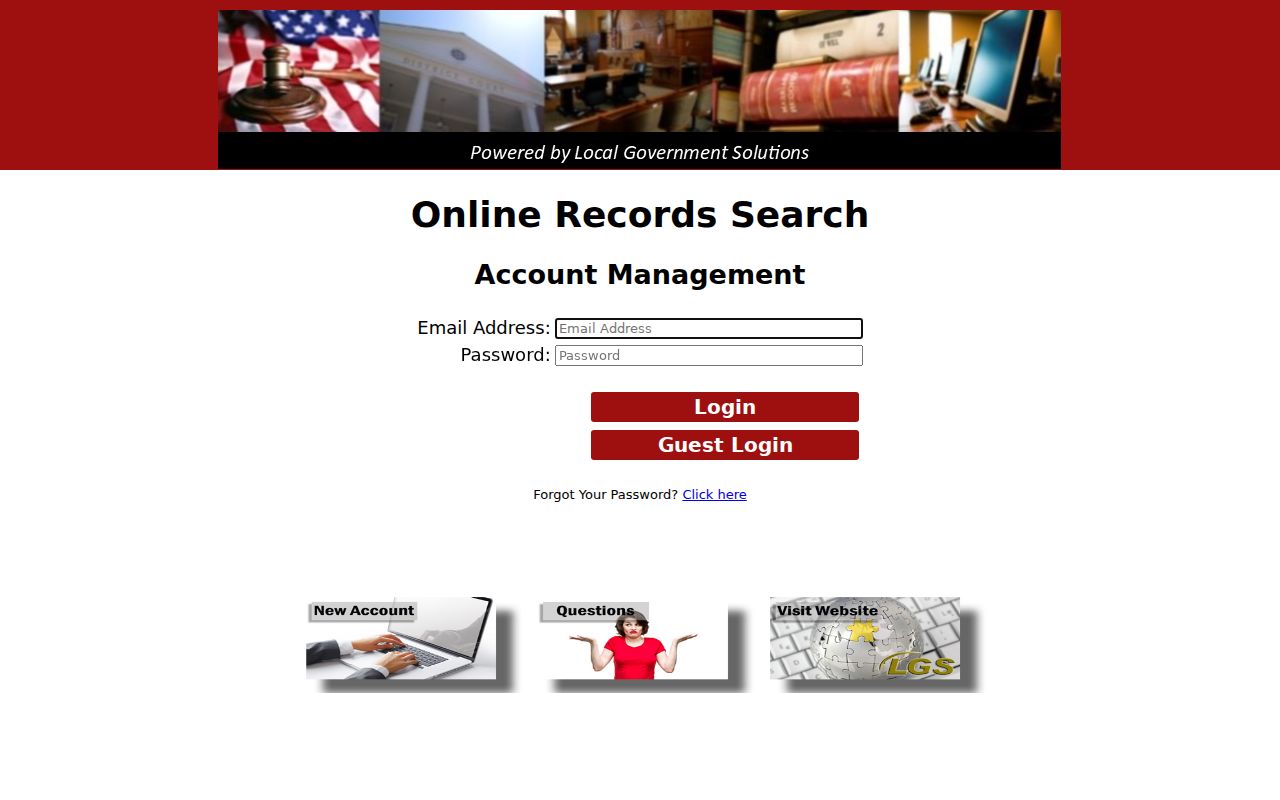
The screen confirms that index lookup and document purchase are distinct paths.
Searching by Case Number
A cause number is the best key. It moves cleanly between a Gaines County court docket, a clerk request, and a statewide result. Copy it exactly from the citation, order, notice, or PDF. Keep the printed form, such as [cause number as printed], rather than guessing digits or punctuation. No single local format applies. County docket PDFs include a cause-number column. That column is a good place to grab it. If the number fails online, call the County Clerk at (432) 758-4003 or the District Clerk at (432) 758-4013. Name the court shown on your document.
Gaines County Image Purchase Steps
With an LGS account, the buying steps are simple. Choose More Information or Images. Add an available image to the cart, check out, and download. The FAQ notes a mandatory $0.30 transaction fee on each purchase. After five image purchases, a subscription is required, and the county sets its amount. The registration route uses email confirmation, password confirmation, CAPTCHA, and terms controls.
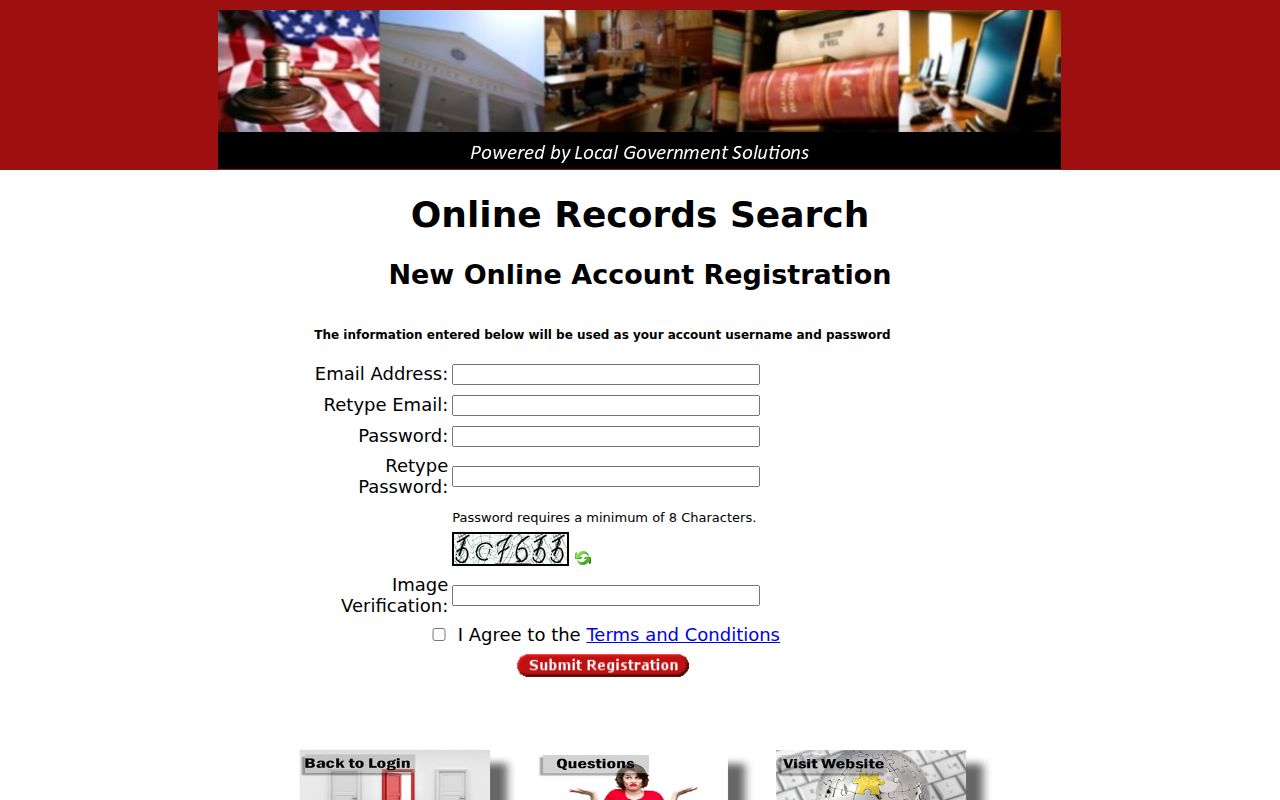
An account widens purchase functions but still does not promise a public image for every case.
What a Case Search Returns
A Gaines County case search can return several things. You might get an index row, a filing reference, a hearing detail, or an image link, and each means something different. A county docket PDF is a dated snapshot of settings. LGS serves as an index and image service. Meanwhile, re:SearchTX works as a statewide research layer.
| Party or style | Public caption or indexed name, subject to redaction. |
|---|---|
| Cause number | The court’s main cross-reference key. |
| Court and type | The custodian and broad case category. |
| Filing or event | An indexed item, not always a downloadable image. |
| Hearing | A setting that may later change. |
No result proves an outcome. Confirm judgments, pleas, dismissals, and resets with the clerk holding the original record.
Gaines County PDF Snapshot Limits
The County Court Dockets page posts dated PDFs plus no-court notices. The PDFs list date, time, publication date, cause number, case style, and attorney roles. They do not promise a disposition or the full file.
Key point: A posted setting records what was scheduled when published, not necessarily what happened later.
Carry the cause number from the PDF into another search, then confirm any later action with the court.
Statewide vs County Case Search
re:SearchTX reaches participating Texas court cases, filings, text, and hearings, while LGS focuses on County Clerk indexes and available images. The posted PDFs stick to scheduled County Court events.
| Source | Best use | Limit |
|---|---|---|
| re:SearchTX | Cross-court discovery | Coverage varies |
| LGS | County Clerk indexes | Guest view is index-only |
| Docket PDFs | Dated settings | Not full history |
| Clerk | Current, certified answers | Rules and fees vary |
Gaines County State Search Modes
The state portal offers four modes. Cases mode opens descriptions and details, Filings mode finds filing records, Text mode searches content where text exists, and Hearings mode opens hearing detail. Exact Gaines County coverage and filters require a live registered session. The official re:SearchTX entry point is where each mode begins.
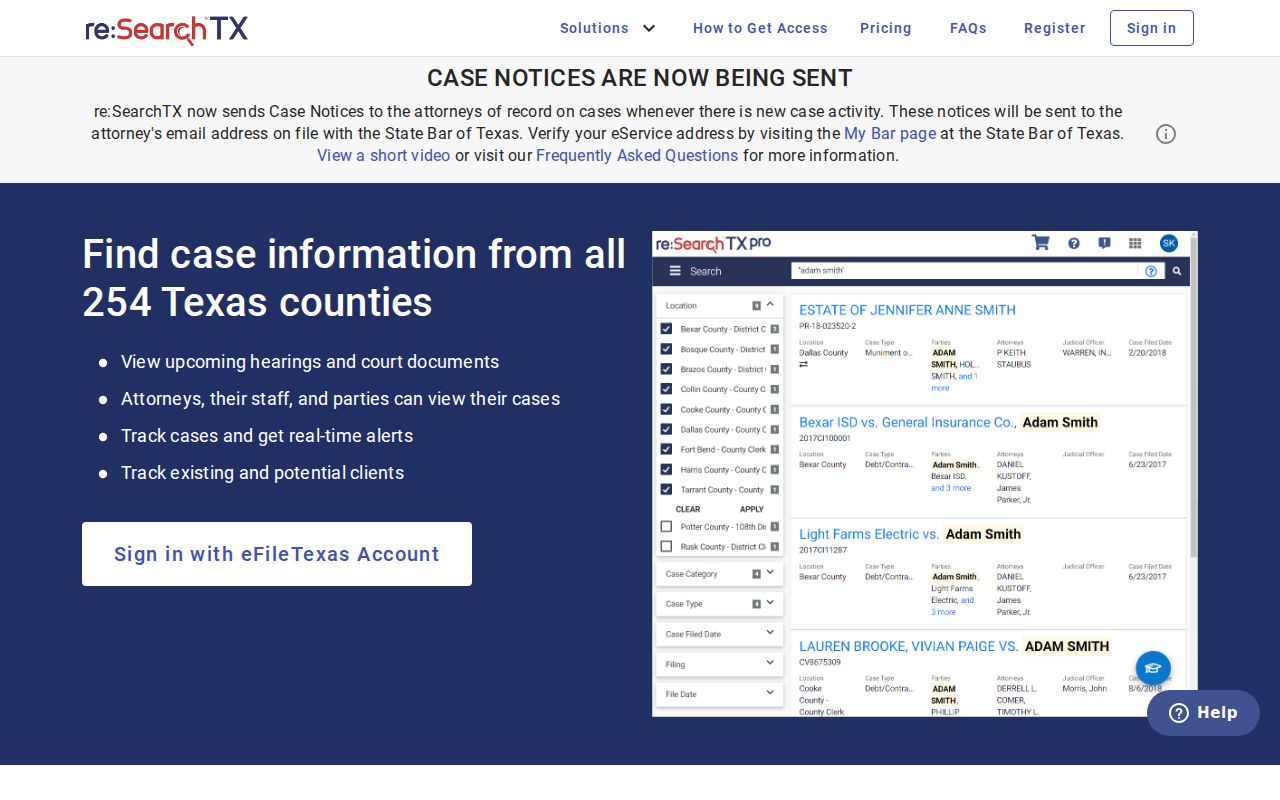
Certified copies and definitive status still rest with the originating clerk. eFileTexas submits filings; it is not a public browsing archive, and submitting does not guarantee immediate image access.
Gaines County Clerk Search Routes
Each Gaines County office keeps its own slice of the records. The County Clerk holds county criminal, civil, probate, and related files, while the District Clerk keeps 106th District Court files. JP1, JP2, Seminole Municipal Court, and Seagraves Municipal Court each keep their own matters. That split often explains why a Gaines County case search comes back empty. Visit Room 206 for County Clerk records or Room 311 for District Clerk records at 101 South Main Street, Seminole. Both offices keep weekday hours from 8:00 a.m. to 5:00 p.m. Confirm mail, fax, or email arrangements before sending funds or sensitive facts, and ask about staff-assisted or terminal access since no public terminal is promised. The court records process covers copy choices.
Access and Restricted Cases
Not everything is public. Juvenile, sealed, expunged, child-protection, mental-health, and some family records may be hidden or redacted. Vendor gaps, date limits, or separate lower-court custody can also leave a result blank. An empty search does not mean the case never existed. Texas Rule of Judicial Administration 12 governs judicial-record access, while statutes, rules, and orders control many case files. The Texas Public Information Act does not turn every case into an ordinary county-agency request. Ask the clerk what rule applies. When the online docket fails you, use the counter, phone, fax, or confirmed mail. Record the cause number, court, URL, and search date. Those details let a clerk reproduce your request and explain any lawful restriction.
Note: A missing result may reflect access or coverage limits rather than the existence or outcome of a case.
Gaines County Search Recovery
Start over with the source paper. Match the spelling on the citation or pleading letter for letter, then drop optional punctuation from the name field and try again. Then use the cause number exactly as printed. No court name on it? Sort the matter by type instead. Probate and county criminal indexes live with the County Clerk, while a district civil or felony file sits with the District Clerk. A city citation stays in Seminole or Seagraves Municipal Court. A precinct citation belongs to the justice court named on the ticket.
Keep a short log of each attempt. Write down the portal, the date, the court, the name form you tried, the cause number, and the result. A log like that helps the clerk see what was already checked. It also keeps an old PDF from being mistaken for live case status. On the phone, ask two things first. Does the office hold the case? Is a public index, a staff search, or a copy request the right next move? Mail goes to P.O. Box 847, Seminole, Texas 79360. Have the clerk confirm the exact addressee and accepted payment before anything goes out.
Hold back sensitive personal identifiers. Send them only if the office requires it through an approved channel. Most searches need just a case number, a party name, the court, and an approximate filing date. That much separates a true record-access restriction from an ordinary Gaines County search problem. If the office confirms the file is not online, get specifics. Ask for the copy request method, the current charge, the delivery choice, and the processing estimate. Save that answer with the log.
Unsure which record you need? The Gaines County phone directory settles it. County Clerk questions go to (432) 758-4003. District Clerk questions go to (432) 758-4013. County Court scheduling runs through the published court coordinator rather than the County Judge. JP1, JP2, Seminole Municipal Court, and Seagraves Municipal Court each keep separate lower-court files, so name the court on your citation, notice, or pleading when you call. Say what you want, too: an index entry, a docket sheet, a filed document, an order, a judgment, or a certified copy. That detail points staff to the right system and fee schedule. It also prevents confusion with a County Court PDF. A PDF lists a scheduled setting; only the later clerk record shows what the court actually entered.